Editing with Intention: Bringing Your Photos to Life
Updated: Oct 29, 2025
Editing is an art in itself. Some people see it as “cheating”, but I see it as an essential part of the creative process — a way to bring a photograph closer to how the moment truly felt. Cameras, no matter how advanced, don’t always capture colours, light, or atmosphere exactly as our eyes see them. Editing allows me to bridge that gap.
For example, I might brighten a bird photo taken in low light or enhance colours that appeared richer and more vibrant in real life. These subtle adjustments don’t change the story of the image — they simply help it shine the way it was meant to.
I’ve never been a fan of completely altering a photo to make it look like something it’s not. To me, that takes away from the authenticity of the moment. A photograph should reflect the scene’s essence and emotion, not reinvent it. Drastically changing tones or backgrounds might make an image stand out, but it also risks losing the honesty and mood that drew me to take it in the first place.
Whether I’m editing street photography, wildlife, or the natural countryside, my approach is always the same: I aim to enhance what’s already there. Sometimes that means bringing out subtle colours in a landscape, or other times converting an image to black and white when the moment calls for something more timeless or emotive.
I do all my editing in Lightroom, where I can really fine-tune the details and stay true to my vision. If the light and scene are similar across a few images, I’ll often keep the edits exactly the same for consistency. But I never bulk edit — I prefer to look at each photo individually and decide what it needs. Every image has its own character and story, and I like to give it the attention it deserves.
Editing, for me, is about intention. It’s about balance — knowing when to stop, when to let a photo breathe, and when a few small adjustments can transform it from a simple capture into something that truly comes alive.
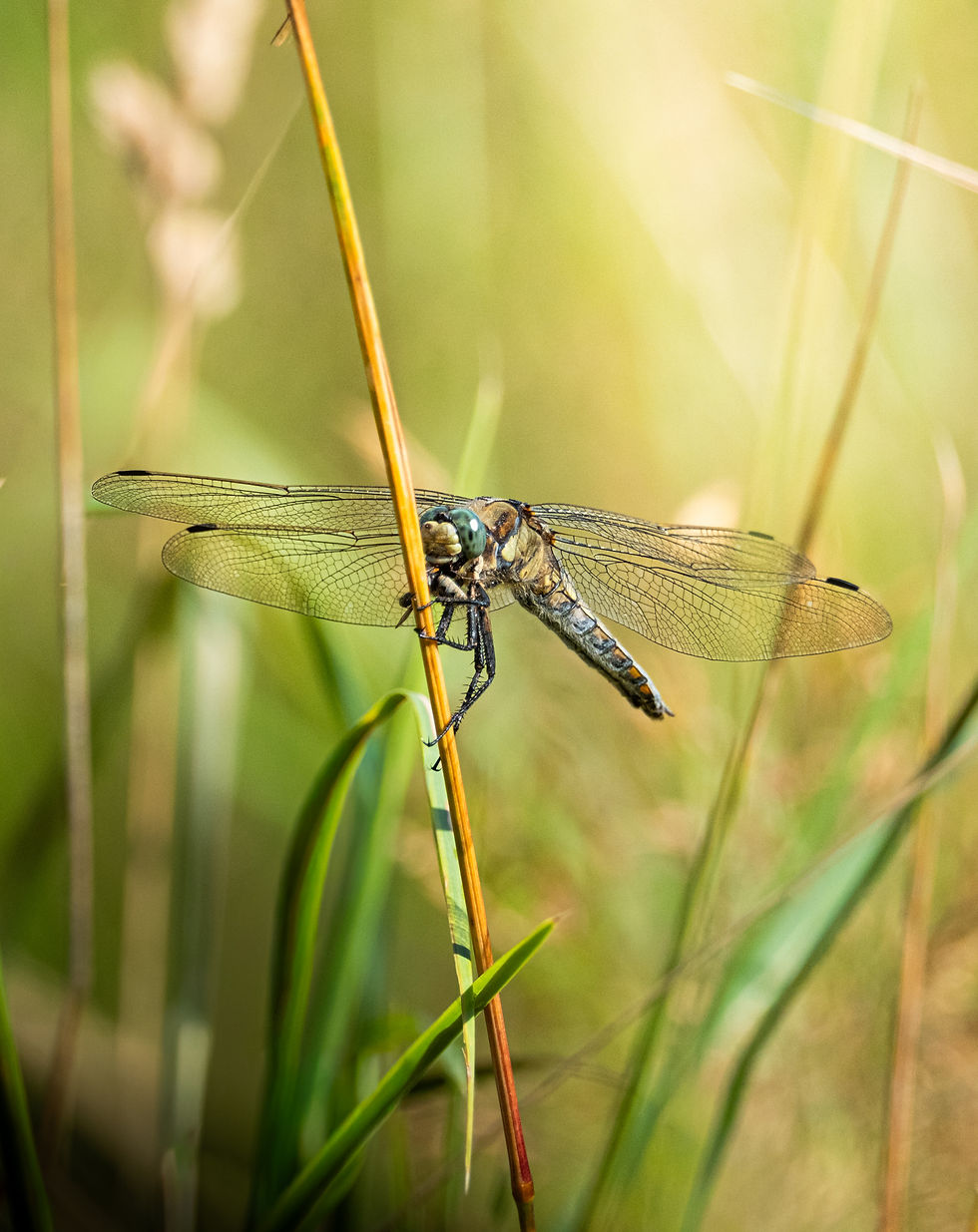
The picture below shows the original raw image (top) compared to the edited version (bottom).



Comments